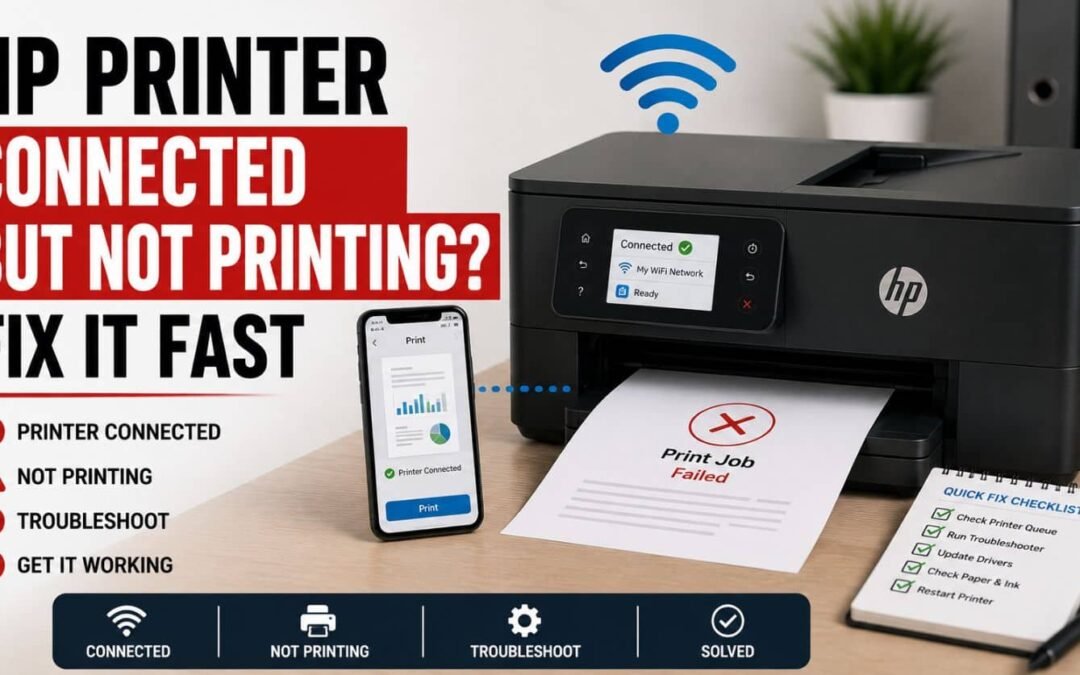
HP Printer Connected But Not Printing? Fix It Fast
HP Printer Connected But Not Printing? Fix It Fast Quick Fix: Why Is My HP Printer Connected But Not Printing? If your HP printer shows connected but does not print, the most common causes include stuck print jobs, communication failures, incorrect default printer...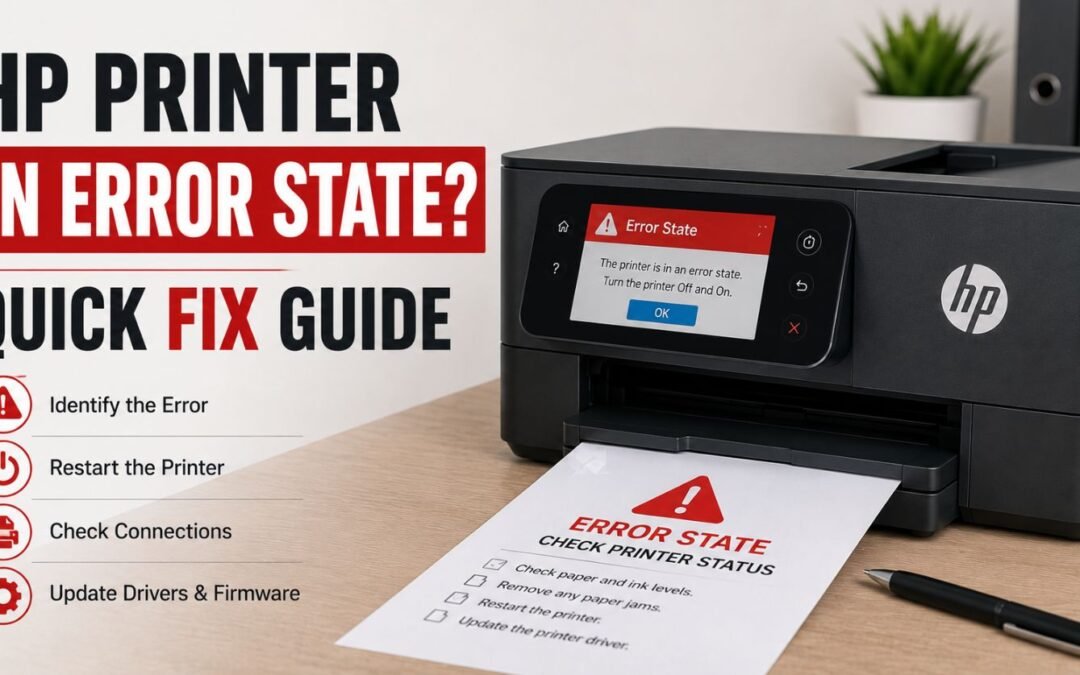
HP Printer in Error State? Quick Fix Guide
HP Printer in Error State? Quick Fix Guide Quick Fix: Why Is My HP Printer in Error State? If your HP printer is in an error state, it usually means the printer cannot complete normal operations because of communication failures, driver issues, stuck print jobs,...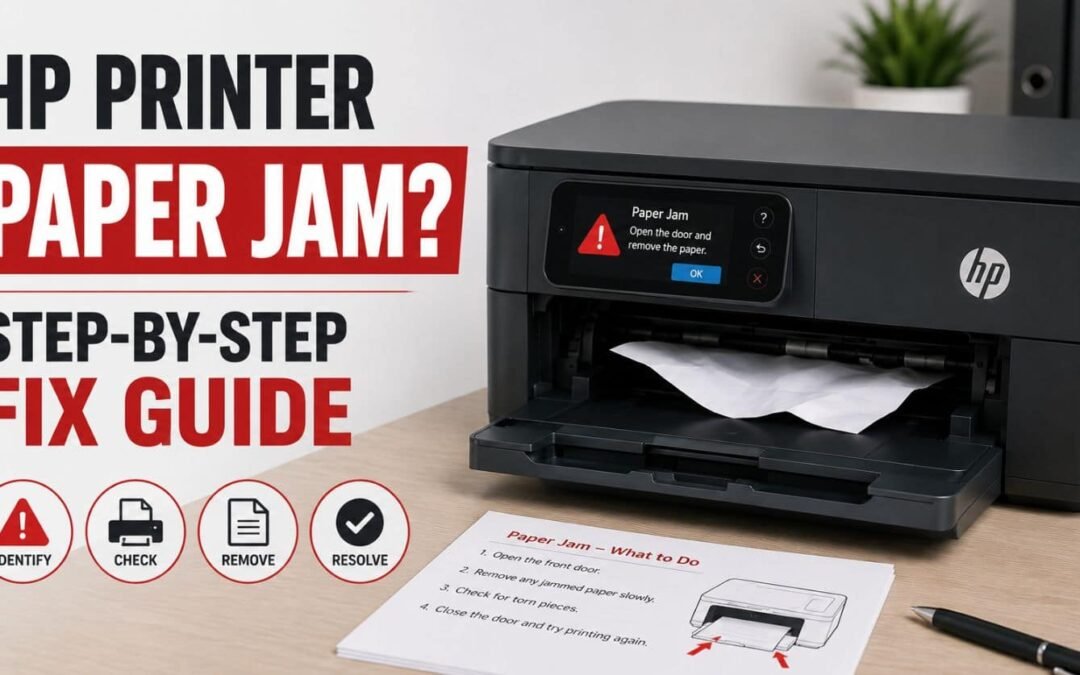
HP Printer Paper Jam? Step-by-Step Fix Guide
HP Printer Paper Jam? Step-by-Step Fix Guide Quick Fix: Why Does My HP Printer Say Paper Jam? If your HP printer says paper jam, the most common causes include stuck paper fragments, overloaded trays, damaged paper, dirty rollers, incorrect paper loading, or internal...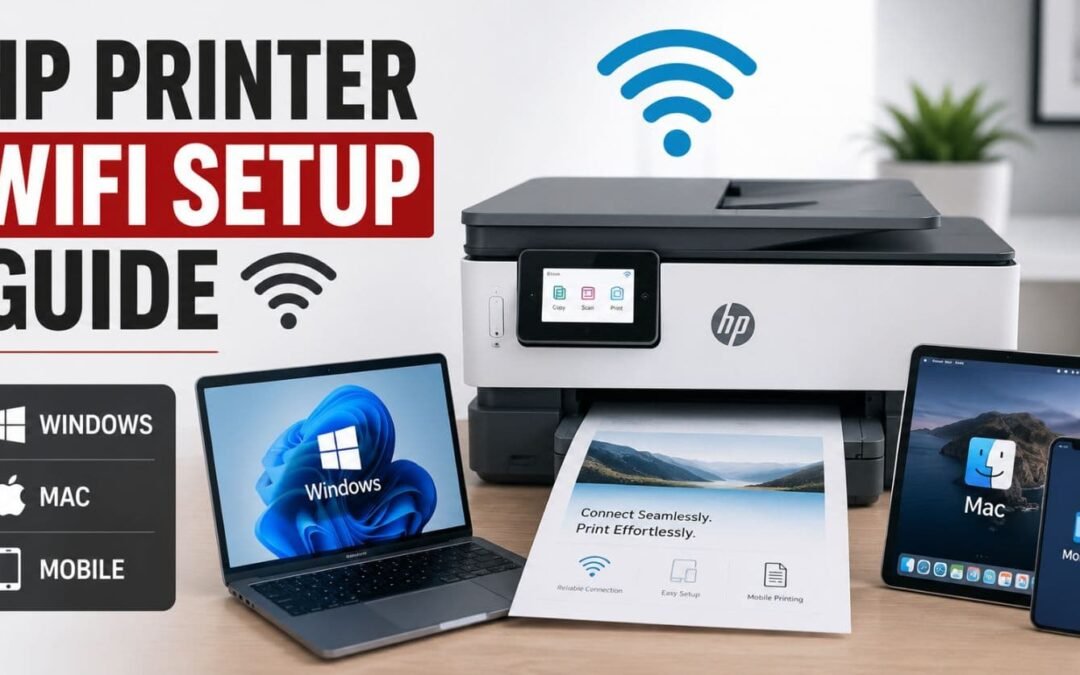
HP Printer WiFi Setup Guide (Windows, Mac & Mobile)
HP Printer WiFi Setup Guide (Windows, Mac & Mobile) Quick Fix: How Do You Connect an HP Printer to WiFi? To connect your HP printer to WiFi, use the printer’s wireless setup menu, the HP Smart app, or WPS setup depending on your printer model. Make sure your...