Zebra printer printing faded or light labels? Fix poor barcode quality with printhead cleaning, darkness, speed, ribbon, media, and printer setting adjustments.
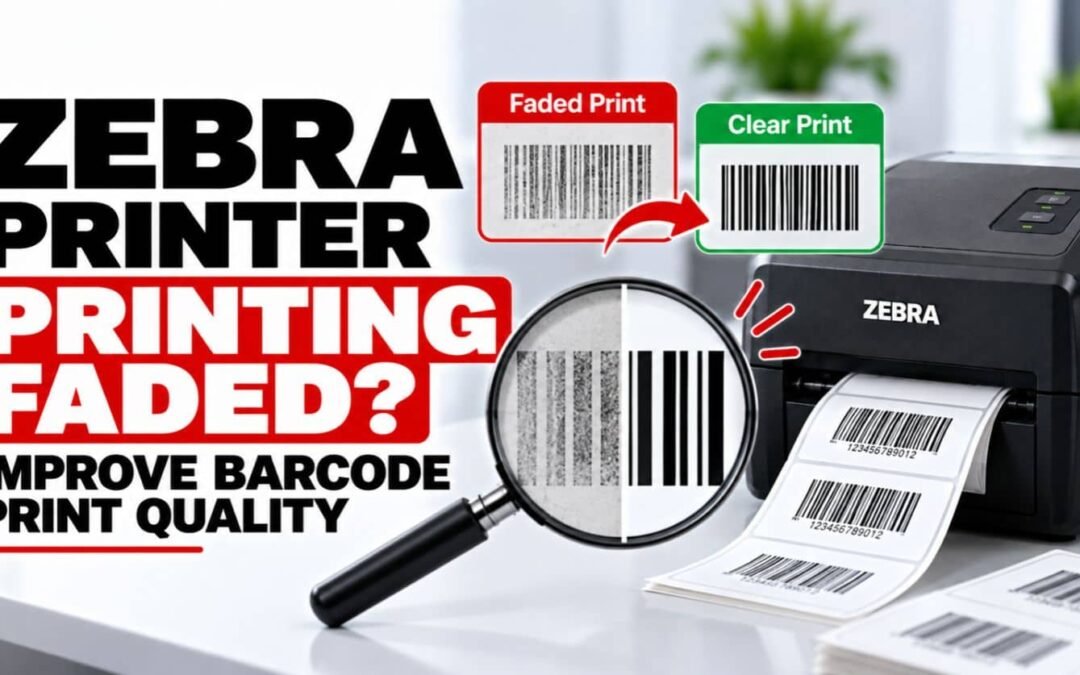
Zebra Printer Printing Faded? Improve Barcode Print Quality
read more

Learn more about our products and services.
Zebra printer printing faded or light labels? Fix poor barcode quality with printhead cleaning, darkness, speed, ribbon, media, and printer setting adjustments.
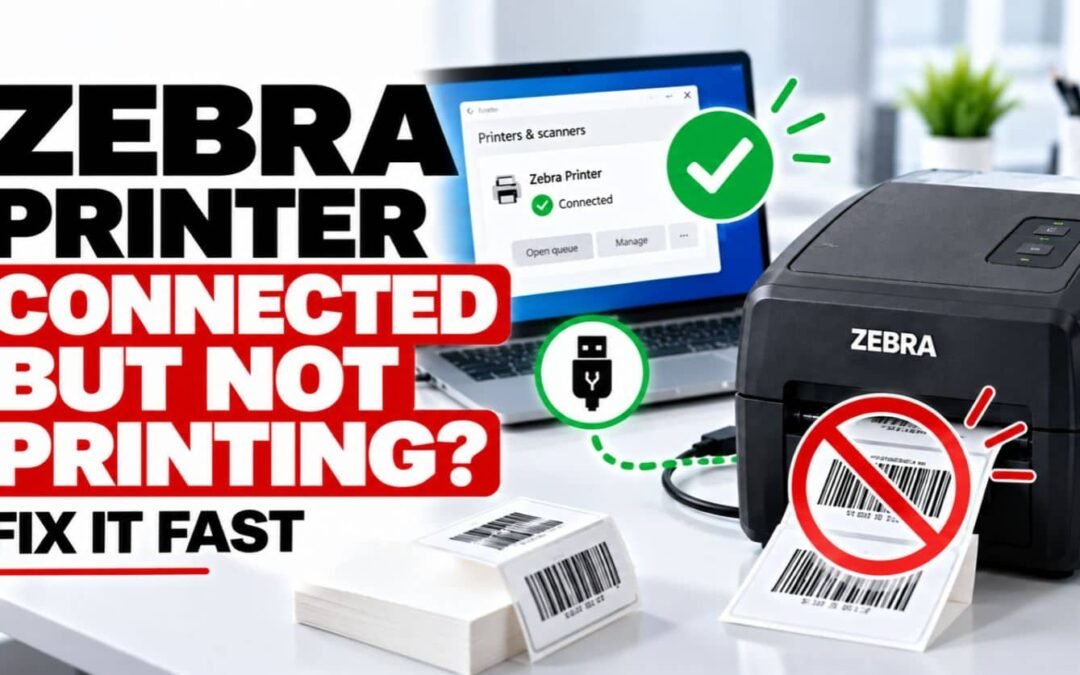
Zebra printer connected but not printing? Fix USB, Wi-Fi, Ethernet, driver, port, print queue, and printer setting problems with these proven solutions.
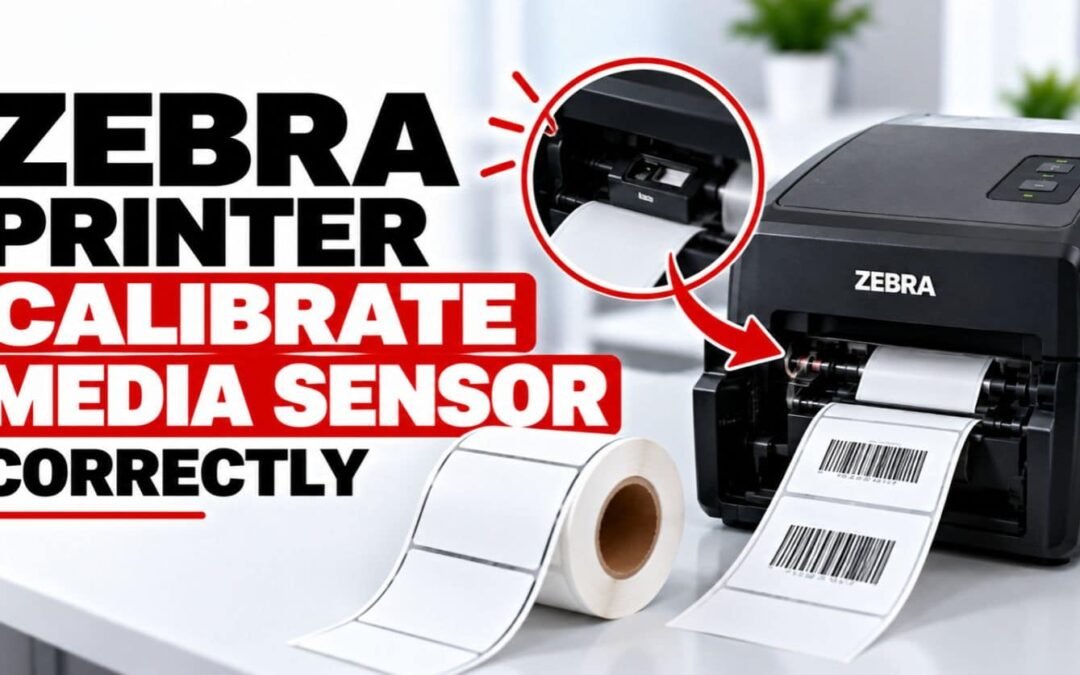
Learn how to calibrate a Zebra media sensor and fix skipped labels, incorrect feeding, alignment problems, and media detection errors with simple steps.
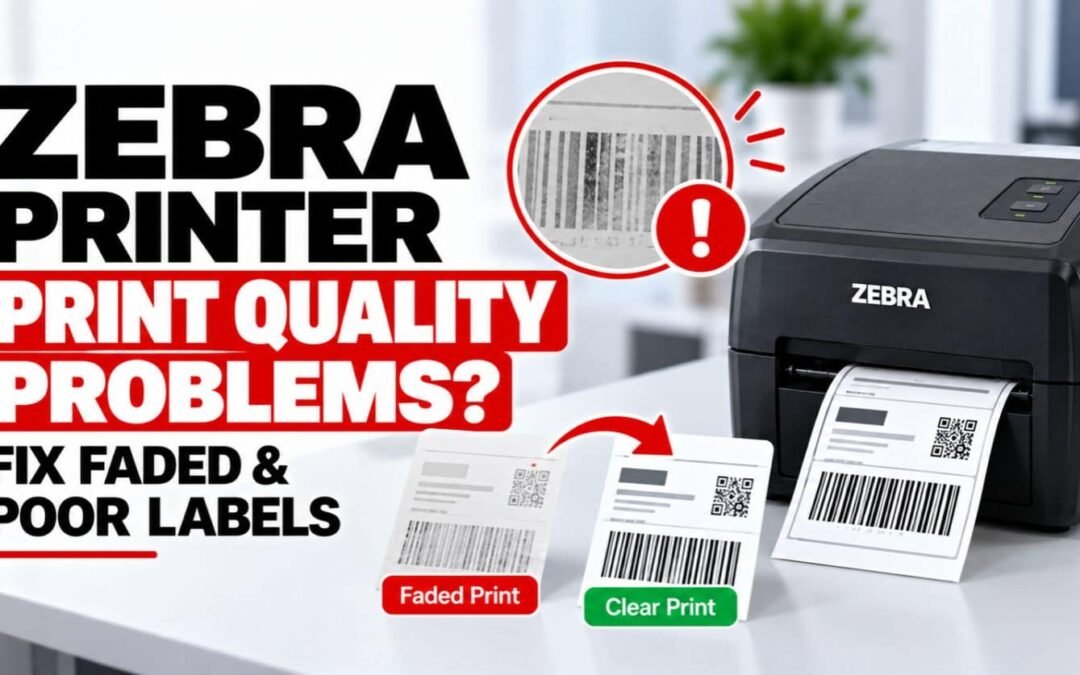
Fix Zebra printer print quality problems including faded, light, blurry, uneven, or poor barcode labels with simple printhead, ribbon, media, and setting fixes.
Fix Zebra printer driver problems when Windows or Mac cannot find, install, or use your printer. Troubleshoot missing, outdated, and corrupted drivers.
Fix Zebra printer labels not feeding with simple solutions for media loading, calibration, sensors, label jams, rollers, and printer settings.
Fix Zebra printer ribbon problems, including ribbon not detected, wrinkled ribbons, poor print quality, ribbon errors, and incorrect ribbon installation.
Learn how to calibrate a Zebra printer and fix label alignment, skipped labels, incorrect feeding, and media detection problems with simple steps.
Zebra printer not printing labels? Fix blank, misaligned, skipped, or missing labels with simple media, calibration, ribbon, driver, and printer fixes.
Zebra Printer Offline? 10 Fast Fixes to Get It Back Online (2026) Is your Zebra printer showing Offline even though it is powered on and connected? An offline Zebra printer can prevent shipping labels, barcode labels, receipts, and other important documents from...