
Epson Error 034004? How to Fix Printer Initialization Errors (2026)
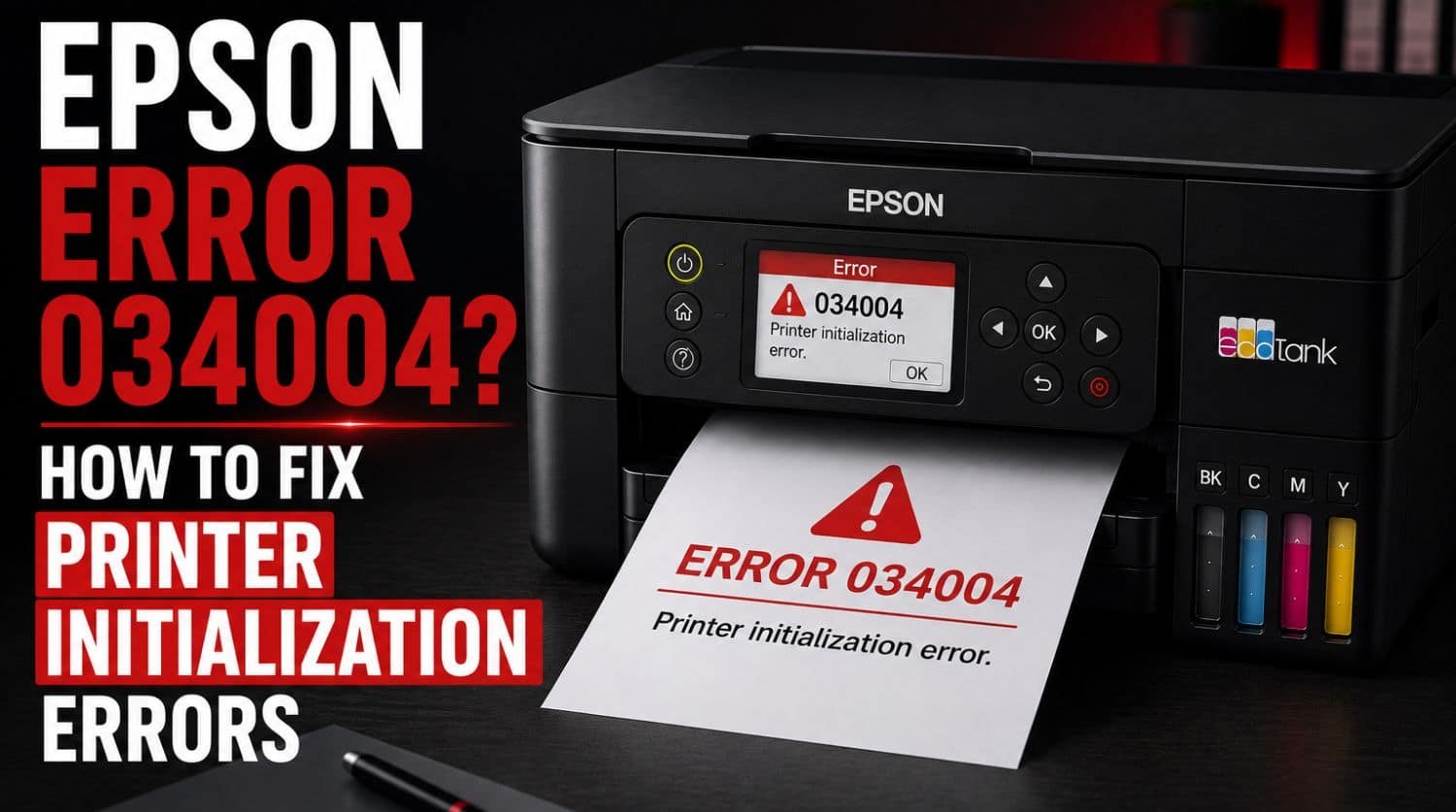
Quick Fix: What Is Epson Error 034004?
Epson Error 034004 is an initialization error that occurs when the printer fails to complete its startup sequence. The error is commonly associated with printhead communication problems, carriage initialization failures, firmware issues, internal hardware conflicts, or sensor-related faults.
The Solution:
In many cases, the error can be fixed by restarting the printer, checking for carriage obstructions, updating firmware, inspecting internal components, and resetting the printer before professional repair becomes necessary.
Table of Contents
- Introduction
- What Causes Epson Error 034004?
- Common Symptoms of Epson Error 034004
- Fix 1: Perform a Full Power Reset
- Fix 2: Check for Carriage Obstructions
- Fix 3: Inspect the Paper Path
- Fix 4: Verify Printhead Movement
- Fix 5: Check Internal Connections
- Fix 6: Update Epson Firmware
- Fix 7: Reinstall Epson Printer Drivers
- Fix 8: Disconnect External Devices
- Fix 9: Check for Firmware Corruption
- Fix 10: Verify Power Stability
- Fix 11: Reset Printer Settings
- Error 034004 vs Error 000041
- When Error 034004 Indicates Hardware Failure
- Can Epson Error 034004 Be Fixed Without Repair?
- How to Prevent Epson Initialization Errors
- Quick Troubleshooting Checklist
- Frequently Asked Questions
- Final Thoughts
Introduction
If your Epson printer displays Error 034004, it means the printer encountered a problem during initialization and could not complete its startup process.
This error often appears immediately after powering on the printer and prevents normal printing operations.
Users may see messages such as:
- Epson Error 034004
- Printer Error 034004
- Initialization Error
- Printer Startup Failed
- Turn Printer Off and On Again
Because the printer cannot finish its internal startup checks, printing, scanning, and other functions may become unavailable.
The good news is that Error 034004 is not always caused by permanent hardware failure. Many cases can be resolved through troubleshooting and maintenance.
This guide explains what Epson Error 034004 means, why it happens, and how to fix it step by step.
For a complete overview of Epson printer errors, see: Epson Printer Error Codes Explained: Complete Fix Guide (2026)
What Causes Epson Error 034004?
During startup, Epson printers perform a series of checks to verify that all major systems are functioning correctly.
If one of these checks fails, Error 034004 may appear.
Common causes include:
- Printhead initialization failure
- Carriage communication problems
- Internal sensor errors
- Firmware corruption
- Mechanical startup issues
- Mainboard communication faults
- Internal hardware conflicts
- Power interruptions during startup
The exact cause varies depending on the printer model.
Common Symptoms of Epson Error 034004
Users commonly report:
- Printer freezes during startup
- Error appears immediately after powering on
- Printhead fails to initialize
- Printer never reaches ready status
- Repeated startup failures
- Printing becomes unavailable
- Error returns after restarting
These symptoms generally indicate an initialization-related issue.
Fix 1: Perform a Full Power Reset
A complete power reset should always be your first troubleshooting step.
Steps
- Turn off the printer.
- Disconnect the power cable.
- Remove USB and network connections.
- Wait 5 minutes.
- Press and hold the power button for 30 seconds.
- Reconnect power.
- Turn the printer back on.
This helps clear temporary initialization and communication faults.
Fix 2: Check for Carriage Obstructions
The printhead carriage must move correctly during startup.
Inspect:
- Carriage rail
- Printhead path
- Parking station area
Look for:
- Paper scraps
- Dust buildup
- Foreign objects
- Packaging material
Even small obstructions can trigger Error 034004.
Fix 3: Inspect the Paper Path
A hidden paper jam can interrupt initialization.
Check:
- Input tray
- Output tray
- Rear access panel
- Internal feed path
Remove any torn paper or debris you find.
Fix 4: Verify Printhead Movement
Initialization depends on proper printhead movement.
With the printer powered off:
- Open the printer cover.
- Locate the printhead carriage.
- Check for restricted movement.
- Inspect the rail for obstructions.
The carriage should move smoothly without resistance.
Avoid forcing it aggressively.
Fix 5: Check Internal Connections
Some Epson printers may display Error 034004 when communication between components is interrupted.
Possible affected components include:
- Printhead
- Sensors
- Mainboard
- Internal cables
If you are not experienced with printer repairs, avoid disassembling the printer and proceed with software troubleshooting instead.
Fix 6: Update Epson Firmware
Firmware issues can sometimes cause startup and initialization failures.
Steps
- Open Epson software utilities.
- Check for available updates.
- Install the latest firmware.
- Restart the printer.
Firmware updates often resolve known initialization bugs.
Fix 7: Reinstall Epson Printer Drivers
Although Error 034004 is often hardware-related, corrupted drivers can contribute to communication problems.
Steps
- Remove the printer from your computer.
- Uninstall Epson drivers.
- Restart the computer.
- Download the latest Epson drivers.
- Reinstall the printer.
This refreshes communication between the printer and computer.
Fix 8: Disconnect External Devices
External connections occasionally interfere with startup processes.
Disconnect:
- USB cables
- Ethernet cables
- External hubs
- Network accessories
Power on the printer using only the power cable.
If the error disappears, reconnect devices individually.
Fix 9: Check for Firmware Corruption
Firmware corruption can occur due to:
- Interrupted updates
- Power failures
- Unexpected shutdowns
Common signs include:
- Startup loops
- Repeated initialization errors
- Unresponsive controls
Updating or reinstalling firmware may resolve the issue.
Fix 10: Verify Power Stability
Unstable electrical power can interfere with startup procedures.
Inspect:
- Power cable
- Wall outlet
- Surge protector
- Extension cords
If possible, test the printer on a different outlet.
Fix 11: Reset Printer Settings
Some Epson models include maintenance menus that allow settings resets.
Resetting can help eliminate:
- Corrupted startup configurations
- Communication conflicts
- Initialization failures
Refer to your printer model documentation for available reset options.
Error 034004 vs Error 000041
These two Epson startup errors are frequently confused.
| Error Code | Typical Cause | Severity |
| 034004 | Initialization failure | Medium |
| 000041 | Startup mechanical issue | Medium |
While both errors appear during startup, Error 034004 is more commonly linked to initialization and communication processes.
For additional troubleshooting, see: Epson Error 000041? Easy Troubleshooting Guide
When Error 034004 Indicates Hardware Failure
If the error persists after completing all troubleshooting steps, hardware failure becomes more likely.
Possible causes include:
- Printhead failure
- Mainboard malfunction
- Internal communication faults
- Sensor failure
- Logic board issues
Professional diagnosis may be required.
Can Epson Error 034004 Be Fixed Without Repair?
Yes, many users successfully resolve the error through:
- Power resets
- Firmware updates
- Removing obstructions
- Driver reinstallation
- Startup troubleshooting
Hardware replacement is not always necessary.
How to Prevent Epson Initialization Errors
Proper maintenance helps reduce the risk of startup-related problems.
Keep Firmware Updated
Firmware updates improve reliability and stability.
Shut Down the Printer Properly
Avoid unplugging the printer while powered on.
Keep Internal Components Clean
Dust and debris can interfere with sensors and startup checks.
Remove Paper Jams Carefully
Always remove all paper fragments completely.
Protect Against Power Surges
Use a quality surge protector to reduce electrical risks.
Quick Troubleshooting Checklist
- ✅ Restart printer
- ✅ Disconnect power for 5 minutes
- ✅ Check carriage path
- ✅ Remove paper jams
- ✅ Verify printhead movement
- ✅ Disconnect external devices
- ✅ Update firmware
- ✅ Reinstall drivers
- ✅ Check power supply
- ✅ Reset printer settings
- ✅ Test startup again
Frequently Asked Questions
What does Epson Error 034004 mean?
Error 034004 indicates that the printer failed to complete its initialization process during startup.
Is Epson Error 034004 serious?
Usually not. Many cases are caused by temporary startup, firmware, or communication issues that can be fixed without repair.
Can a paper jam cause Error 034004?
Yes. Hidden paper fragments can interfere with initialization and trigger the error.
Can I fix Epson Error 034004 myself?
Yes. Many users successfully resolve the error through basic troubleshooting and maintenance.
Does Error 034004 mean the printer is broken?
Not necessarily. The error often results from startup conflicts, firmware issues, or obstructions rather than permanent hardware failure.
Final Thoughts
Epson Error 034004 is a startup and initialization-related error that prevents the printer from completing its normal startup sequence.
Fortunately, many cases are caused by:
- Carriage obstructions
- Initialization conflicts
- Firmware issues
- Communication problems
- Startup failures
Most users can resolve the problem by performing a power reset, checking for obstructions, updating firmware, and inspecting printer movement systems.
If the error remains after completing all troubleshooting steps, professional service may be required to diagnose deeper hardware issues.
Following this guide gives you the best chance of fixing Epson Error 034004 and restoring your Epson printer to normal operation.