Zebra Printer Connected But Not Printing? Fix It Fast
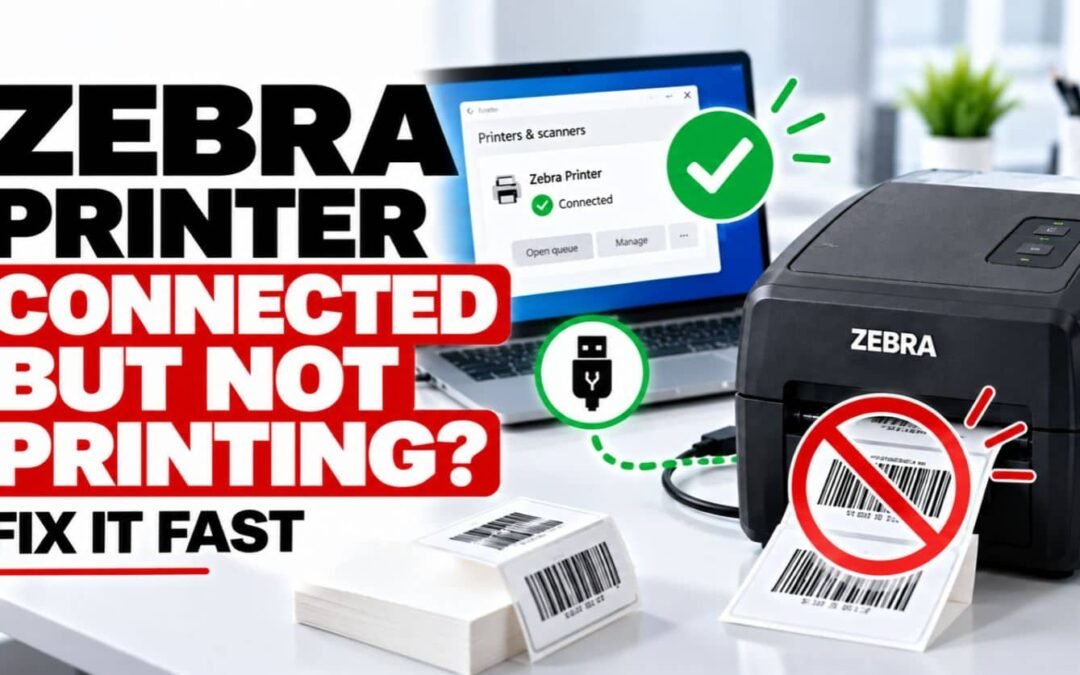
Zebra Printer Connected But Not Printing? Fix It Fast A Zebra printer can appear connected to your computer and still fail to print. This commonly happens when the printer is online but the wrong printer is selected, the driver or port is incorrect, the print queue is...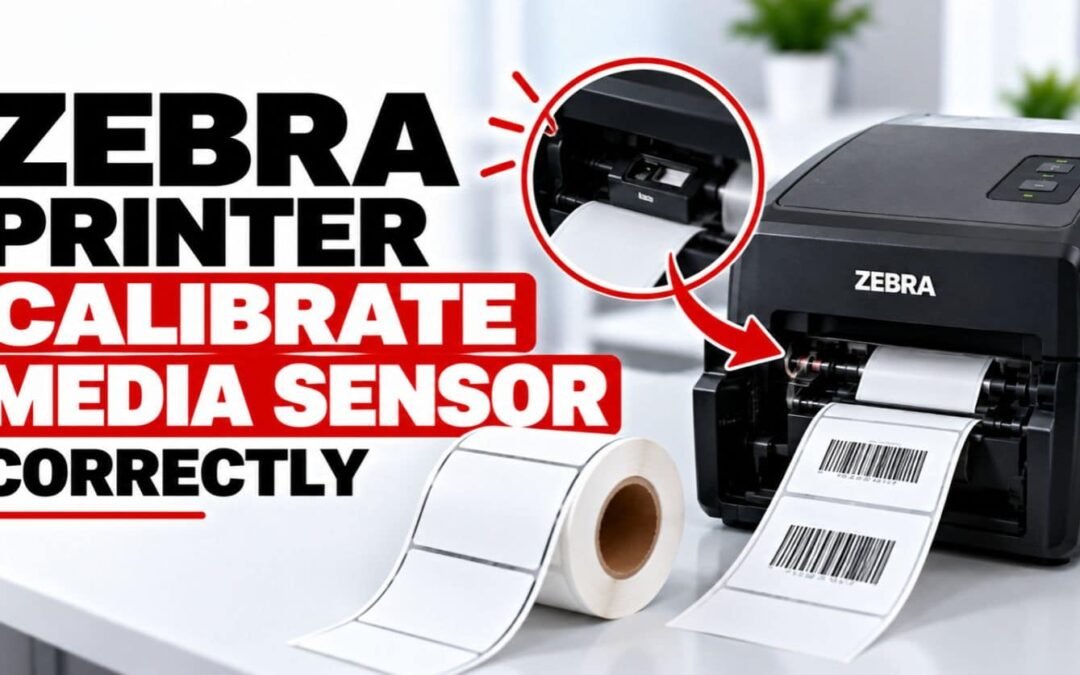
How to Calibrate Zebra Media Sensor Correctly
How to Calibrate Zebra Media Sensor Correctly A Zebra printer relies on its media sensor to detect labels, gaps, black marks, or continuous media correctly. When the sensor is not calibrated for the loaded media, the printer may feed too much label material, stop at...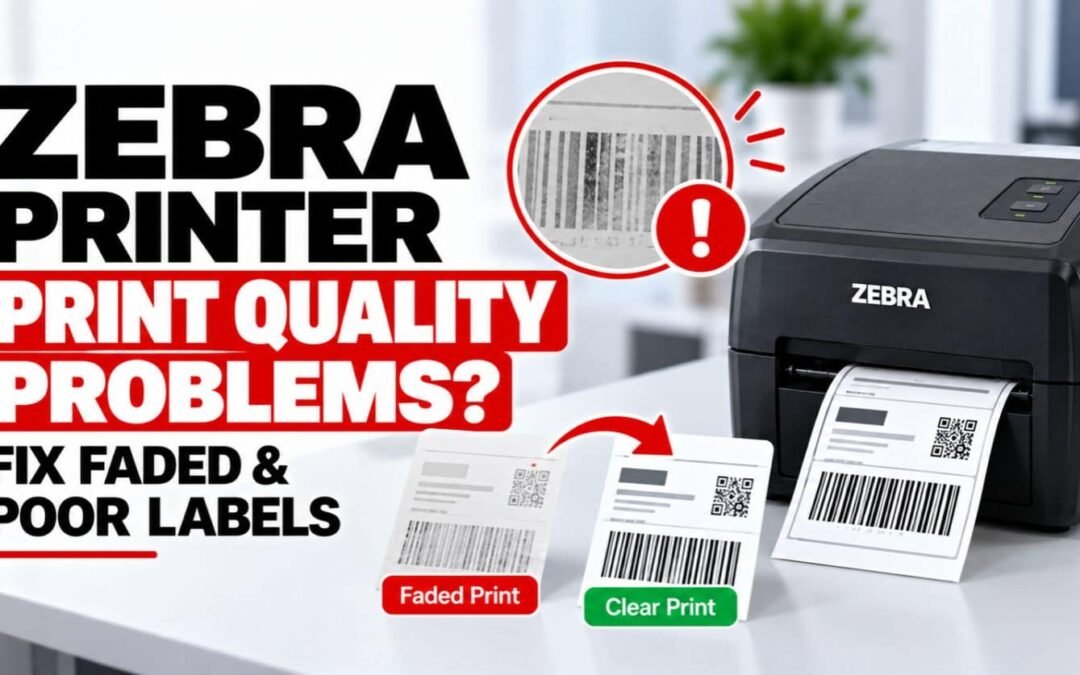
Zebra Printer Print Quality Problems? Fix Faded & Poor Labels
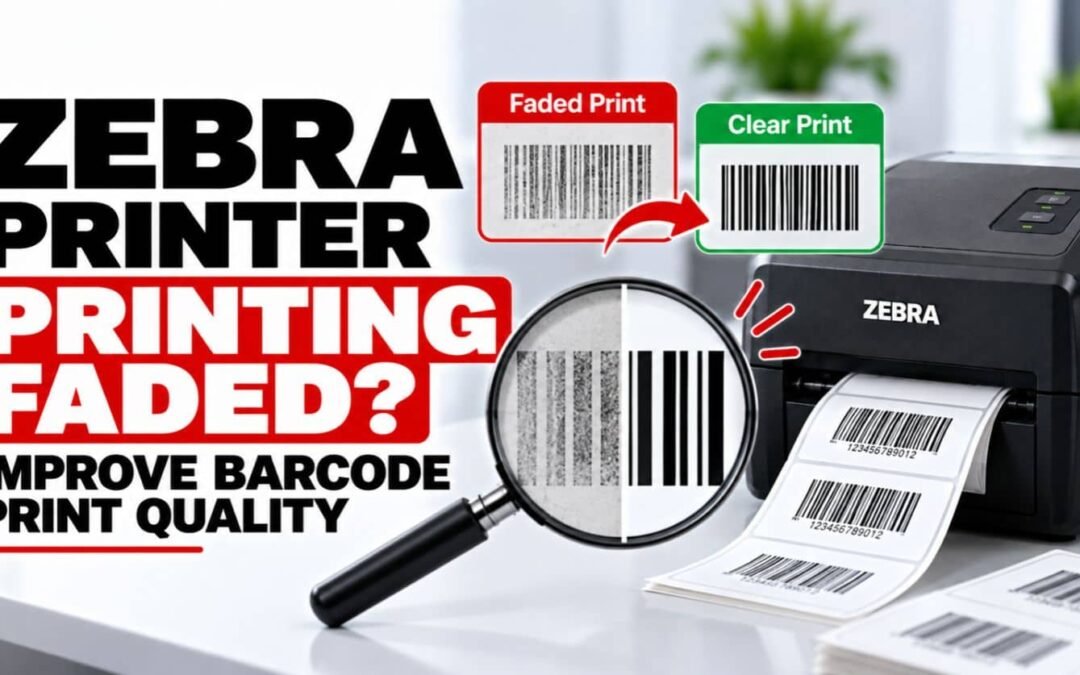
Zebra Printer Print Quality Problems? Fix Faded & Poor Labels A Zebra printer should produce sharp text, clear barcodes, and consistent labels. When labels become faded, blurry, uneven, streaked, or difficult to scan, the problem is usually related to printhead...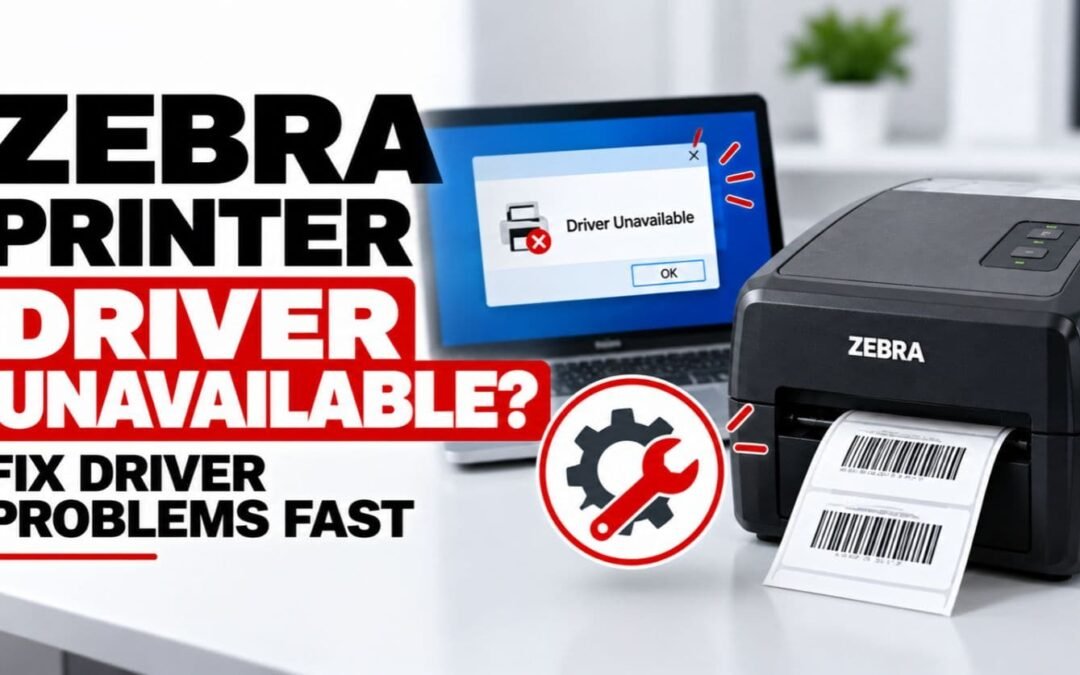
Zebra Printer Driver Unavailable? Fix Driver Problems Fast
Zebra Printer Driver Unavailable? Fix Driver Problems Fast Is your Zebra printer driver unavailable when you try to print? Windows or macOS may report that the driver is missing, unavailable, incompatible, or unable to communicate with the printer. The result can be a...