
Epson Printer Error Codes Explained: Complete Fix Guide (2026)
Quick Answer: What Do Epson Printer Error Codes Mean?
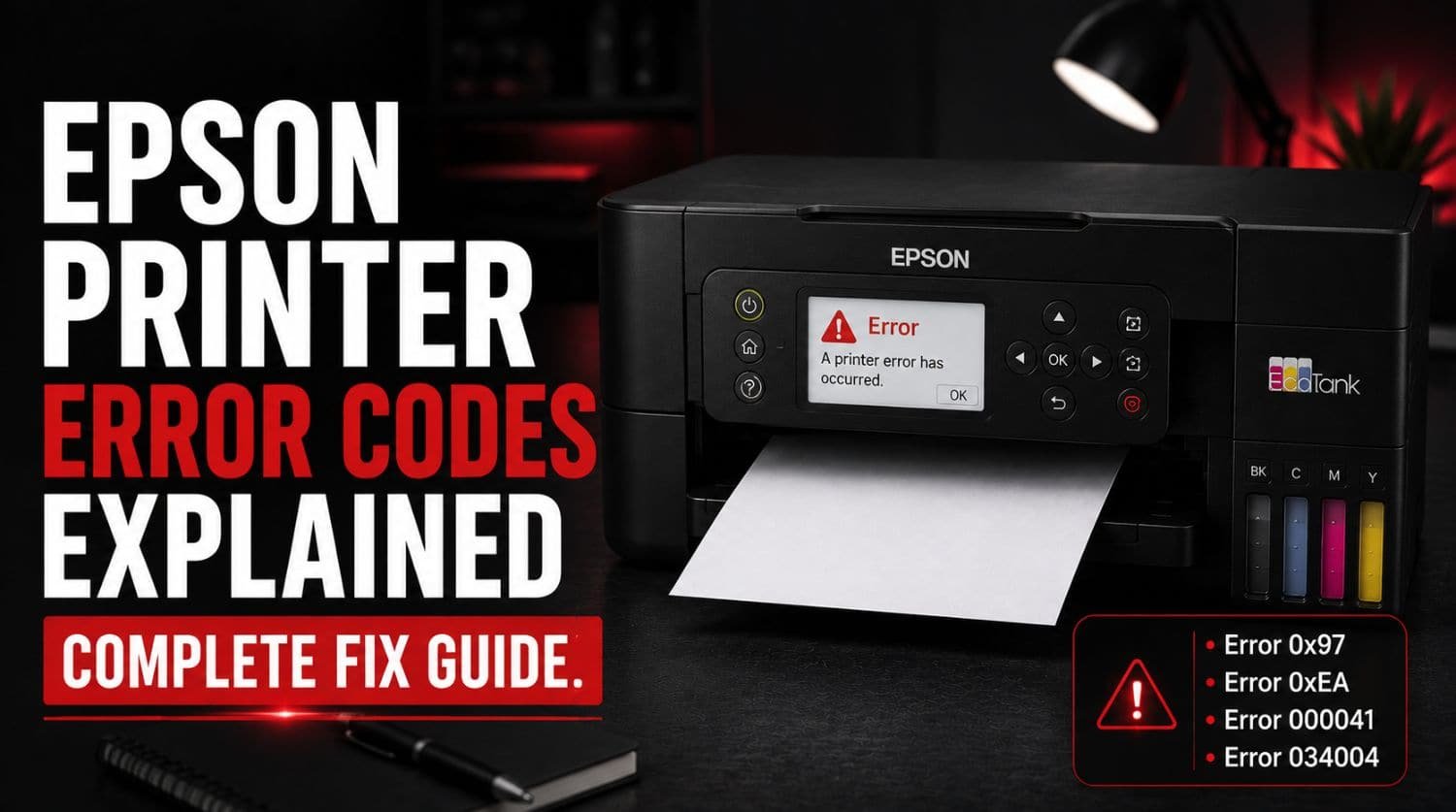
Epson printer error codes are diagnostic messages that help identify specific problems inside your printer. These errors can indicate hardware faults, scanner issues, carriage problems, startup failures, or initialization errors.
The Solution:
Understanding the error code is the fastest way to identify the problem and choose the correct solution.
Table of Contents
- Introduction
- Why Does My Epson Printer Show Error Codes?
- How to Diagnose Epson Printer Errors
- Most Common Epson Printer Error Categories
- Epson Error Codes Comparison Table
- Which Epson Errors Can Be Fixed at Home?
- Which Epson Errors Usually Require Service?
- Universal Epson Error Troubleshooting Checklist
- How to Prevent Epson Printer Errors
- Frequently Asked Questions
- Related Epson Error Guides
- Final Thoughts
Introduction
Epson printers are trusted worldwide for home, office, photo printing, and commercial printing applications. Models from the EcoTank, WorkForce, Expression, and SureColor series are known for their reliability and print quality.
However, even reliable printers occasionally display error messages that stop printing operations.
If you’ve encountered an Epson printer error code, you may be wondering:
- What does the error mean?
- Can it be fixed at home?
- Is the printer damaged?
- Do you need professional repair?
The good news is that many Epson printer errors can be diagnosed and resolved without replacing the printer.
This guide explains the most common Epson printer error codes, what causes them, and how to troubleshoot them before calling for service.
Why Does My Epson Printer Show Error Codes?
Modern Epson printers constantly monitor internal components using sensors and diagnostic systems.
When a problem is detected, the printer displays an error code to identify the issue.
Common causes include:
- Printhead problems
- Carriage movement issues
- Scanner failures
- Paper feed problems
- Firmware errors
- Hardware malfunctions
- Startup failures
- Internal communication issues
The displayed error code helps narrow down the exact source of the problem.
How to Diagnose Epson Printer Errors
Before troubleshooting a specific Epson error code, follow these basic steps.
Step 1: Write Down the Exact Error Code
Many Epson error codes look similar.
For example:
- 0x97
- 0xEA
- 000041
- 034004
A single incorrect digit can lead to incorrect troubleshooting.
Step 2: Restart the Printer
Temporary software glitches can trigger Epson errors.
Steps
- Turn off the printer.
- Disconnect the power cable.
- Wait 60 seconds.
- Reconnect power.
- Turn the printer back on.
If the error disappears, it was likely a temporary fault.
Step 3: Check for Obstructions
Many Epson errors occur when internal components cannot move properly.
Inspect:
- Paper path
- Carriage area
- Scanner unit
- Feed rollers
Remove any visible obstructions.
Step 4: Verify Firmware and Drivers
Outdated software may contribute to communication and initialization issues.
Ensure:
- Printer drivers are updated
- Epson software is current
- Firmware is up to date
Most Common Epson Printer Error Categories
Most Epson error codes fall into four major categories.
Hardware Errors
Hardware errors involve critical printer components such as:
- Mainboard
- Printhead
- Internal electronics
- Power systems
These errors often require more advanced troubleshooting.
The most common Epson hardware error is:
Epson Error 0x97
Error 0x97 is typically associated with internal hardware or printhead communication failures.
Common causes include:
- Mainboard issues
- Printhead faults
- Internal electronic failures
For complete troubleshooting instructions, see: Epson Error 0x97? Proven Fixes Before Calling Service
Scanner and Carriage Errors
These errors occur when moving components inside the printer encounter problems.
Affected components include:
- Scanner assembly
- Printhead carriage
- Carriage motor
- Position sensors
The most common error in this category is:
Epson Error 0xEA
Error 0xEA usually indicates that the carriage or scanner system cannot move correctly.
Common causes include:
- Foreign objects inside printer
- Carriage obstruction
- Scanner initialization failure
For the complete repair guide, visit: Epson Error 0xEA? Fix Scanner and Carriage Issues
Startup Errors
Startup errors appear during the printer’s power-on sequence.
These errors prevent normal initialization.
Epson Error 000041
Error 000041 generally indicates a startup-related problem.
Common causes include:
- Mechanical obstruction
- Internal component failure
- Startup initialization issue
For detailed troubleshooting, see: Epson Error 000041? Easy Troubleshooting Guide
Initialization Errors
Initialization errors occur when the printer cannot complete its startup checks.
Epson Error 034004
Error 034004 often appears when the printer fails to initialize properly.
Common causes include:
- Carriage communication issues
- Initialization failure
- Internal hardware conflicts
For complete troubleshooting steps, visit: Epson Error 034004? How to Fix Printer Initialization Errors
Epson Error Codes Comparison Table
| Error Code | Category | Severity | Typical Cause |
| 0x97 | Hardware Error | High | Mainboard or printhead issue |
| 0xEA | Scanner/Carriage Error | Medium | Carriage obstruction |
| 000041 | Startup Error | Medium | Mechanical startup issue |
| 034004 | Initialization Error | Medium | Initialization failure |
This table provides a quick overview of the most common Epson printer errors.
Which Epson Errors Can Be Fixed at Home?
Many Epson printer errors can be resolved without professional repair.
Common DIY fixes include:
- Restarting the printer
- Removing paper jams
- Cleaning internal components
- Updating firmware
- Reinstalling drivers
- Checking for obstructions
Users can often resolve startup and carriage-related problems themselves.
Which Epson Errors Usually Require Service?
Some Epson errors indicate deeper hardware failures.
Professional service may be required when:
- Error returns repeatedly
- Printer will not start
- Mainboard damage is suspected
- Internal electronics fail
- Multiple error codes appear simultaneously
Hardware-related issues typically require advanced diagnosis.
Universal Epson Error Troubleshooting Checklist
Whenever an Epson error appears:
- ✅ Record the exact error code
- ✅ Restart the printer
- ✅ Disconnect power for 60 seconds
- ✅ Check paper path
- ✅ Inspect carriage movement
- ✅ Verify scanner operation
- ✅ Remove debris or obstructions
- ✅ Update firmware
- ✅ Update printer drivers
- ✅ Test printer again
Following this checklist resolves many common Epson errors.
How to Prevent Epson Printer Errors
While no printer is completely immune to errors, proper maintenance significantly reduces problems.
Keep the Printer Clean
Dust and debris can interfere with sensors and moving parts.
Regular cleaning helps prevent:
- Carriage errors
- Scanner errors
- Feed issues
Use Genuine Epson Supplies
Original Epson supplies reduce compatibility issues and help maintain reliable operation.
Update Firmware Regularly
Firmware updates often contain:
- Bug fixes
- Performance improvements
- Stability enhancements
Keeping firmware current helps prevent known issues.
Print Regularly
Regular printing helps maintain healthy printer operation and prevents some maintenance-related problems.
Protect Against Power Issues
Unexpected power interruptions can contribute to startup and initialization problems.
Using surge protection helps reduce risk.
Frequently Asked Questions
What is the most common Epson printer error?
Error 0x97 and Error 0xEA are among the most frequently reported Epson printer errors.
Can Epson error codes be reset?
Some errors clear automatically after the underlying issue is resolved, while others require repair or maintenance.
Is Epson Error 0x97 serious?
Yes. Error 0x97 is generally considered a hardware-related error and may require advanced troubleshooting.
What causes Epson Error 0xEA?
This error is commonly caused by carriage movement issues, scanner problems, or internal obstructions.
Why does my Epson printer keep showing errors?
Recurring errors may indicate unresolved hardware problems, outdated firmware, or internal component failures.
Related Epson Error Guides
For detailed troubleshooting of specific Epson errors, see:
- Epson Error 0x97? Proven Fixes Before Calling Service (Internal Link)
- Epson Error 0xEA? Fix Scanner and Carriage Issues (Internal Link)
- Epson Error 000041? Easy Troubleshooting Guide (Internal Link)
- Epson Error 034004? How to Fix Printer Initialization Errors (Internal Link)
These guides provide step-by-step solutions for each specific error code.
Final Thoughts
Epson printer error codes are designed to help users quickly identify and troubleshoot printer problems.
While seeing an unfamiliar error can be frustrating, most Epson errors fall into predictable categories involving:
- Hardware
- Scanner systems
- Carriage movement
- Startup processes
- Printer initialization
Understanding the meaning of each error code allows you to troubleshoot more effectively and determine whether the problem can be fixed at home or requires professional service.
Use this guide as your central Epson printer error code resource and follow the related error-specific guides for detailed repair instructions.