
Epson Error 0x97? Proven Fixes Before Calling Service (2026)
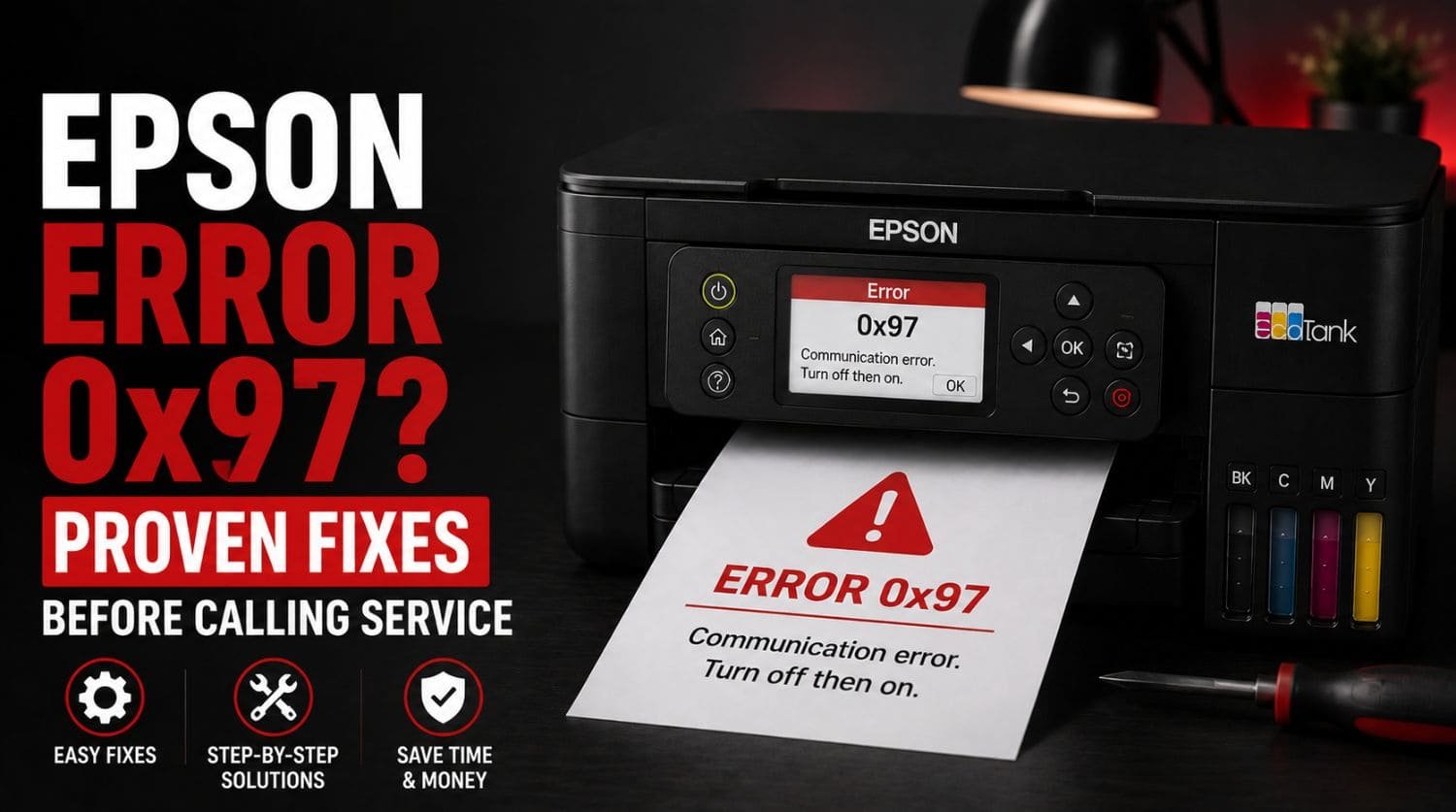
Quick Fix: What Is Epson Error 0x97?
Epson Error 0x97 is a hardware-related printer error that usually appears when the printer detects a problem with the printhead, mainboard, internal electronics, or communication between critical components.
The Solution:
In many cases, the error can be resolved by power cycling the printer, disconnecting peripherals, updating firmware, checking internal obstructions, or resetting the printer before professional repair becomes necessary.
Table of Contents
- Introduction
- What Causes Epson Error 0x97?
- Common Symptoms of Epson Error 0x97
- Fix 1: Perform a Complete Power Reset
- Fix 2: Disconnect All External Connections
- Fix 3: Check for Internal Obstructions
- Fix 4: Verify Printhead Movement
- Fix 5: Update Printer Firmware
- Fix 6: Inspect Power Supply Connections
- Fix 7: Disconnect and Reconnect the Printer
- Fix 8: Reinstall Epson Printer Drivers
- Fix 9: Check for Carriage or Scanner Errors
- Fix 10: Let the Printer Cool Down
- Fix 11: Reset Printer Settings
- When Error 0x97 Usually Indicates Hardware Failure
- Can Epson Error 0x97 Damage the Printer?
- Should You Repair or Replace the Printer?
- Quick Troubleshooting Checklist
- Frequently Asked Questions
- Final Thoughts
Introduction
Seeing Epson Error 0x97 on your printer can be frustrating, especially when you’re in the middle of an important printing job.
The printer may suddenly stop working and display a message such as:
- Error Code 0x97
- Printer Error 0x97
- Turn Printer Off and On Again
- A Printer Error Has Occurred
Many users immediately assume the printer is permanently damaged. Fortunately, that isn’t always the case.
While Error 0x97 is generally considered a hardware-related error, it can sometimes be triggered by temporary communication issues, firmware glitches, printhead problems, or internal component conflicts.
This guide explains what Epson Error 0x97 means, what causes it, and the proven fixes you should try before contacting a repair technician.
For a complete overview of Epson printer errors, see: Epson Printer Error Codes Explained: Complete Fix Guide (2026)
What Causes Epson Error 0x97?
Error 0x97 typically occurs when the printer detects a fault involving critical internal hardware.
Common causes include:
- Printhead communication failure
- Mainboard malfunction
- Internal hardware fault
- Firmware corruption
- Carriage system issues
- Electrical connection problems
- Internal sensor failure
- Failed printer initialization
The exact cause varies depending on the Epson model.
Common Symptoms of Epson Error 0x97
Users often report:
- Printer suddenly stops printing
- Error appears during startup
- Printer freezes on boot
- Print jobs fail immediately
- Printer won’t initialize
- Repeated restart requests
- Error returns after reboot
Recognizing these symptoms helps confirm that Error 0x97 is the issue.
Fix 1: Perform a Complete Power Reset
A power reset is the simplest and most effective first step.
Steps
- Turn off the printer.
- Disconnect the power cable.
- Remove USB cables if connected.
- Wait at least 5 minutes.
- Press and hold the power button for 30 seconds.
- Reconnect power.
- Turn the printer back on.
This clears temporary electrical and firmware-related faults.
Fix 2: Disconnect All External Connections
External devices occasionally trigger communication conflicts.
Disconnect:
- USB cables
- Ethernet cables
- External storage devices
- Network connections
Start the printer with only the power cable connected.
If the error disappears, reconnect devices one at a time to identify the source.
Fix 3: Check for Internal Obstructions
Foreign objects inside the printer can interfere with normal operation.
Inspect:
- Paper path
- Carriage rail
- Printhead area
- Rear access panel
Look for:
- Torn paper
- Dust buildup
- Labels
- Small debris
Carefully remove any obstructions found.
Fix 4: Verify Printhead Movement
Error 0x97 can sometimes be associated with printhead movement problems.
With the printer powered off:
- Open the printer cover.
- Inspect the printhead carriage.
- Ensure it moves freely.
- Check for anything blocking movement.
Never force the carriage aggressively.
If movement feels restricted, an obstruction may be present.
Fix 5: Update Printer Firmware
Firmware corruption occasionally contributes to Error 0x97.
If your printer still allows access to maintenance functions:
- Open Epson software.
- Check for firmware updates.
- Install available updates.
- Restart the printer.
Updated firmware may resolve known software-related faults.
Fix 6: Inspect Power Supply Connections
Unstable power delivery can trigger unexpected printer errors.
Check:
- Power cable condition
- Wall outlet
- Surge protector
- Adapter connections
If possible, test using a different electrical outlet.
Fix 7: Disconnect and Reconnect the Printer
Sometimes Windows or macOS communication problems can create printer initialization issues.
Steps
- Remove the printer from your computer.
- Restart the computer.
- Restart the printer.
- Add the printer again.
This refreshes communication between the computer and printer.
Fix 8: Reinstall Epson Printer Drivers
Driver corruption can occasionally contribute to startup and communication problems.
Steps
- Remove existing printer drivers.
- Restart the computer.
- Install the latest Epson drivers.
- Reconnect the printer.
Driver reinstallation eliminates many software conflicts.
Fix 9: Check for Carriage or Scanner Errors
Some Epson models may display Error 0x97 when related mechanical systems fail.
If you notice:
- Scanner movement problems
- Carriage positioning issues
- Grinding noises
you may also want to review: Epson Error 0xEA? Fix Scanner and Carriage Issues
because similar symptoms can overlap.
Fix 10: Let the Printer Cool Down
In rare situations, internal overheating may trigger abnormal hardware behavior.
Try:
- Powering off the printer.
- Disconnecting power.
- Waiting 30 minutes.
- Restarting the printer.
This allows internal components to stabilize.
Fix 11: Reset Printer Settings
Some Epson models allow partial factory resets through maintenance menus.
Resetting settings can help eliminate:
- Corrupted configurations
- Initialization conflicts
- Communication errors
Check your printer’s user manual for model-specific instructions.
When Error 0x97 Usually Indicates Hardware Failure
If the error remains after multiple troubleshooting attempts, hardware failure becomes more likely.
Possible failures include:
- Mainboard damage
- Printhead failure
- Logic board fault
- Internal electronics malfunction
- Sensor failure
These components typically require professional diagnosis.
Can Epson Error 0x97 Damage the Printer?
The error itself does not usually damage the printer.
Instead, it acts as a warning that a problem already exists.
Continuing to restart the printer repeatedly is unlikely to fix severe hardware faults and may waste time if professional service is required.
Should You Repair or Replace the Printer?
The answer depends on:
- Printer age
- Printer value
- Repair cost
- Model type
Repair may be worthwhile for:
- Epson EcoTank printers
- Epson WorkForce printers
- Professional photo printers
- Large-format printers
Replacement may be more economical for older entry-level models.
Quick Troubleshooting Checklist
- ✅ Restart printer
- ✅ Disconnect power for 5 minutes
- ✅ Remove all external cables
- ✅ Inspect paper path
- ✅ Check carriage movement
- ✅ Update firmware
- ✅ Verify power supply
- ✅ Reinstall drivers
- ✅ Test printer again
- ✅ Review related Epson errors
Frequently Asked Questions
Is Epson Error 0x97 serious?
Yes. Error 0x97 is generally considered a hardware-related error, although temporary software issues can occasionally trigger it.
What causes Epson Error 0x97?
Common causes include printhead failures, mainboard issues, firmware problems, and internal hardware faults.
Can I fix Epson Error 0x97 myself?
Yes. Many users resolve the error through power resets, firmware updates, obstruction removal, and driver troubleshooting.
Does Error 0x97 mean my printer is broken?
Not necessarily. Some cases are caused by temporary communication or initialization problems rather than permanent hardware damage.
Should I contact Epson support immediately?
No. Try the troubleshooting steps in this guide first. Many users resolve Error 0x97 without professional repair.
Final Thoughts
Epson Error 0x97 is one of the most commonly reported Epson hardware-related errors.
While the message can seem alarming, it doesn’t always mean the printer requires replacement.
Most users should begin by:
- Performing a full power reset
- Checking for obstructions
- Updating firmware
- Inspecting printhead movement
- Reinstalling drivers
If the error continues after completing these steps, professional service may be required to diagnose potential printhead, mainboard, or internal hardware failures.
By following the troubleshooting process above, you can often resolve Epson Error 0x97 and restore normal printer operation without unnecessary repair costs.