
Label and Barcode Printers: Complete Buying Guide for Businesses (2026)
What Are Label and Barcode Printers?
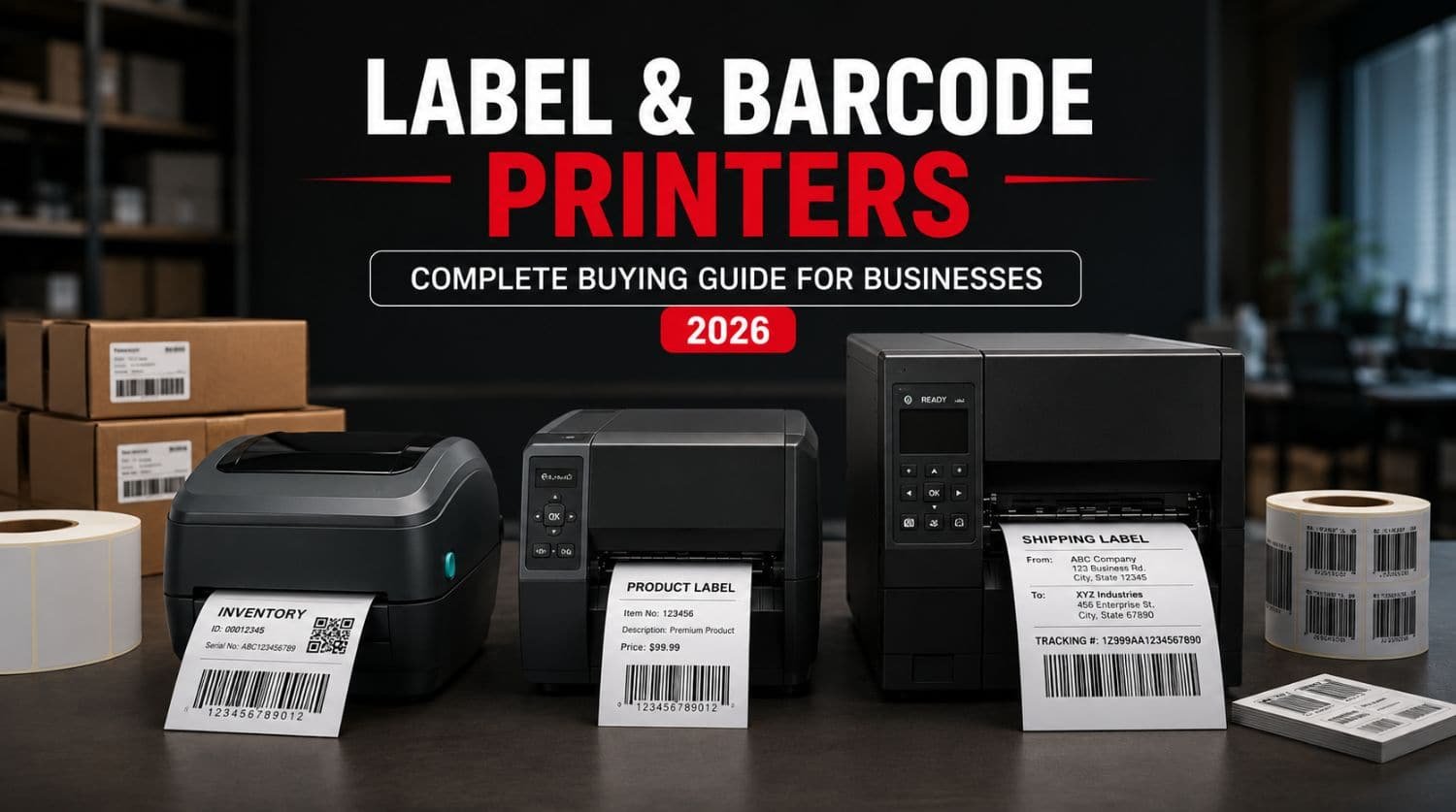
Label and barcode printers are specialized printers designed to produce labels, shipping tags, product stickers, asset tags, inventory labels, and barcodes used for tracking products and business operations.
They are commonly used in:
- Retail stores
- Warehouses
- Logistics companies
- Manufacturing facilities
- Healthcare organizations
- E-commerce businesses
The right label or barcode printer can improve inventory management, order accuracy, productivity, and operational efficiency.
Table of Contents
- Introduction
- What Is a Label Printer?
- What Is a Barcode Printer?
- Why Businesses Use Label and Barcode Printers
- Industries That Use Label and Barcode Printers
- Types of Label and Barcode Printers
- Direct Thermal Printers
- Thermal Transfer Printers
- Desktop Barcode Printers
- Industrial Barcode Printers
- Mobile Barcode Printers
- Common Barcode Types
- Key Features to Look for in a Label Printer
- Best Label Printer Applications
- Best Barcode Printer Applications
- Desktop vs Industrial Barcode Printers
- Popular Barcode Printer Brands
- How to Choose the Right Printer for Your Business
- Common Buying Mistakes
- Frequently Asked Questions
- Related Guides
- Final Thoughts
Introduction
Modern businesses rely heavily on labels and barcodes for inventory tracking, product identification, shipping, compliance, and operational management.
Whether you’re operating a small online store or managing a large warehouse, having the right printing solution is essential.
Label and barcode printers help businesses:
- Track inventory accurately
- Improve warehouse efficiency
- Speed up order fulfillment
- Reduce human errors
- Enhance product organization
- Support supply chain operations
However, choosing the right printer can be confusing because there are many different technologies, sizes, and features available.
This guide explains everything businesses need to know about label and barcode printers, including printer types, applications, key features, and buying considerations.
What Is a Label Printer?
A label printer is designed specifically to print labels rather than standard office documents.
Businesses use label printers for:
- Product labels
- Shipping labels
- Address labels
- Asset labels
- Shelf labels
- Price tags
Unlike standard printers, label printers are optimized for producing durable labels quickly and efficiently.
What Is a Barcode Printer?
A barcode printer is a specialized label printer capable of printing machine-readable barcodes.
These barcodes can be scanned to:
- Track inventory
- Process sales
- Manage warehouse operations
- Monitor assets
- Improve logistics
Most barcode printers can also print text, graphics, QR codes, and product information.
Why Businesses Use Label and Barcode Printers
Barcodes and labels have become essential business tools.
Benefits include:
Faster Inventory Management
Employees can scan products instead of entering data manually.
Improved Accuracy
Barcodes reduce human errors.
Better Warehouse Efficiency
Products become easier to locate and track.
Faster Shipping
Shipping labels can be generated instantly.
Improved Customer Service
Accurate inventory information improves order fulfillment.
Industries That Use Label and Barcode Printers
These printers are used across many industries.
Retail
Used for:
- Price labels
- Product labels
- Shelf tags
- Barcode stickers
Warehousing
Used for:
- Inventory tracking
- Bin labels
- Shipping labels
- Asset management
Logistics
Used for:
- Shipping documentation
- Tracking labels
- Delivery management
Manufacturing
Used for:
- Product identification
- Compliance labeling
- Batch tracking
Healthcare
Used for:
- Patient identification
- Laboratory samples
- Medication tracking
E-Commerce
Used for:
- Shipping labels
- Product packaging
- Order management
Types of Label and Barcode Printers
Understanding printer types is important before purchasing.
Direct Thermal Printers
Direct thermal printers create images using heat-sensitive media.
Advantages
- No ink required
- Low operating costs
- Simple maintenance
Limitations
- Labels may fade over time
- Not ideal for long-term storage
Best For
- Shipping labels
- Temporary labels
- Retail receipts
Thermal Transfer Printers
Thermal transfer printers use a ribbon to transfer ink onto labels.
Advantages
- Long-lasting labels
- Better durability
- Resistant to heat and chemicals
Limitations
- Ribbon replacement required
Best For
- Asset tracking
- Industrial labels
- Long-term barcode applications
Desktop Barcode Printers
Desktop models are compact and affordable.
Best For
- Small businesses
- Retail stores
- Offices
- Small warehouses
Industrial Barcode Printers
Industrial printers are built for high-volume environments.
Advantages
- Heavy-duty construction
- Faster printing
- Higher durability
Best For
- Warehouses
- Manufacturing plants
- Distribution centers
Mobile Barcode Printers
Mobile printers allow printing on the go.
Common Applications
- Field service operations
- Delivery services
- Mobile inventory management
Common Barcode Types
Most business barcode printers support multiple barcode formats.
1D Barcodes
Examples:
- UPC
- Code 128
- Code 39
- EAN
Used for retail and inventory applications.
2D Barcodes
Examples:
- QR Codes
- Data Matrix
Used for:
- Product information
- Marketing campaigns
- Mobile scanning
Key Features to Look for in a Label Printer
Before buying, consider the following features.
Print Resolution
Higher resolution improves readability.
Common resolutions:
- 203 dpi
- 300 dpi
- 600 dpi
For most businesses:
- 203 dpi is sufficient
- 300 dpi provides sharper labels
Print Speed
Print speed impacts productivity.
High-volume businesses benefit from faster printers.
Typical speeds range from:
- 4 inches per second
- 12 inches per second or more
Connectivity Options
Modern printers may support:
- USB
- Ethernet
- Wi-Fi
- Bluetooth
Wireless connectivity improves flexibility.
Label Width Support
Different businesses require different label sizes.
Check:
- Maximum print width
- Media compatibility
- Label roll capacity
Software Compatibility
Ensure compatibility with:
- Warehouse systems
- POS software
- ERP platforms
- Inventory management systems
Best Label Printer Applications
Businesses use label printers for numerous tasks.
Product Labels
Used by retailers and manufacturers.
Shipping Labels
Popular among e-commerce businesses.
Asset Labels
Used for equipment tracking.
Shelf Labels
Common in retail environments.
Compliance Labels
Required in manufacturing and healthcare.
Best Barcode Printer Applications
Barcode printers are critical for:
Inventory Tracking
Monitor stock levels accurately.
Warehouse Management
Improve product location tracking.
Logistics Operations
Support shipping and delivery workflows.
Asset Management
Track valuable equipment and resources.
Desktop vs Industrial Barcode Printers
| Feature | Desktop Printer | Industrial Printer |
| Volume | Low to Medium | High |
| Size | Compact | Large |
| Durability | Moderate | Excellent |
| Cost | Lower | Higher |
| Warehouse Use | Limited | Excellent |
| Manufacturing Use | Limited | Excellent |
Choosing the right category depends on workload requirements.
Popular Barcode Printer Brands
Several manufacturers dominate the barcode printing market.
Zebra
Known for:
- Industrial reliability
- Warehouse applications
- Enterprise solutions
Epson
Known for:
- Label printing solutions
- Business environments
Honeywell
Popular for:
- Logistics
- Industrial operations
TSC
Known for:
- Value-oriented solutions
- Commercial printing
Brother
Popular for:
- Small business labeling
- Office environments
How to Choose the Right Printer for Your Business
Ask yourself:
What Will You Print?
- Shipping labels?
- Product labels?
- Inventory labels?
How Many Labels Per Day?
Printing volume determines printer category.
Do You Need Durable Labels?
Choose thermal transfer for long-term durability.
Where Will the Printer Be Used?
- Office
- Retail store
- Warehouse
- Manufacturing plant
What Is Your Budget?
Balance initial investment with long-term operating costs.
Common Buying Mistakes
Avoid these mistakes when purchasing.
Choosing the Cheapest Printer
Low-cost devices may increase long-term expenses.
Ignoring Print Volume
Underpowered printers struggle with growing businesses.
Overlooking Software Compatibility
Ensure the printer integrates with your systems.
Buying Without Future Growth in Mind
Choose equipment that can scale with your business.
Frequently Asked Questions
What is the difference between a label printer and a barcode printer?
A barcode printer is a type of label printer specifically designed to print scannable barcodes and tracking labels.
Which printer is best for small businesses?
Desktop label printers are often ideal for small businesses due to their affordability and compact size.
For recommendations, see:
Best Label Printer for Small Business in 2026
(Internal Link)
What printer is best for warehouses?
Industrial barcode printers are generally the best option for warehouse operations.
See:
Best Barcode Printer for Warehouse Operations
(Internal Link)
Are Zebra printers good for businesses?
Yes. Zebra printers are widely regarded as industry leaders in barcode and warehouse printing.
See:
Zebra Printer Setup Guide: Installation & Configuration
(Internal Link)
Do barcode printers require ink?
Most barcode printers use direct thermal or thermal transfer technology and do not require traditional ink cartridges.
Related Guides
- Best Label Printer for Small Business in 2026
- Best Barcode Printer for Warehouse Operations
- Zebra Printer Setup Guide: Installation & Configuration
Final Thoughts
Label and barcode printers have become essential tools for modern businesses across retail, warehousing, logistics, manufacturing, healthcare, and e-commerce.
Choosing the right printer can improve operational efficiency, inventory accuracy, and overall productivity while reducing costly errors.
Whether you need a compact desktop label printer for a small business or an industrial barcode printer for a busy warehouse, understanding printer types, features, and applications will help you make a smarter investment.
Use this guide as your starting point and explore the related articles for detailed product recommendations, warehouse solutions, and Zebra printer setup instructions.