Best All in One Printer Scanner for Home Use: A Complete Buying Guide
With all the different types of printers available today, it is not as easy as just buying the least expensive printer for your home or office. In many instances today, printers are used to print homework assignments for children, scan documents that are of an important nature, photocopy things like driver’s licenses, and even fax documents. All of these functions are incredibly useful, especially when trying to save space and money at the same time. The most recommended option for an all-in-one printer scanner for home would provide you with many benefits, such as ease of use, excellent print quality, and cost-effectiveness in one compact unit.
No matter if you work from home, run a small home-based business, or just need a good quality printer for your day-to-day activities, finding the right model for your particular use will have a positive impact on your day-to-day productivity and on the quality of printed materials. In this article, we will discuss how to pick the best all-in-one printer for home use, what makes an all-in-one printer suitable for home use, what features should be on the list of features when selecting your printer, and how to choose the correct all-in-one printer for your individual requirements, all without feeling overwhelmed with technology-related terminology.
What Is an All in One Printer and Why It’s Ideal for Home Use?
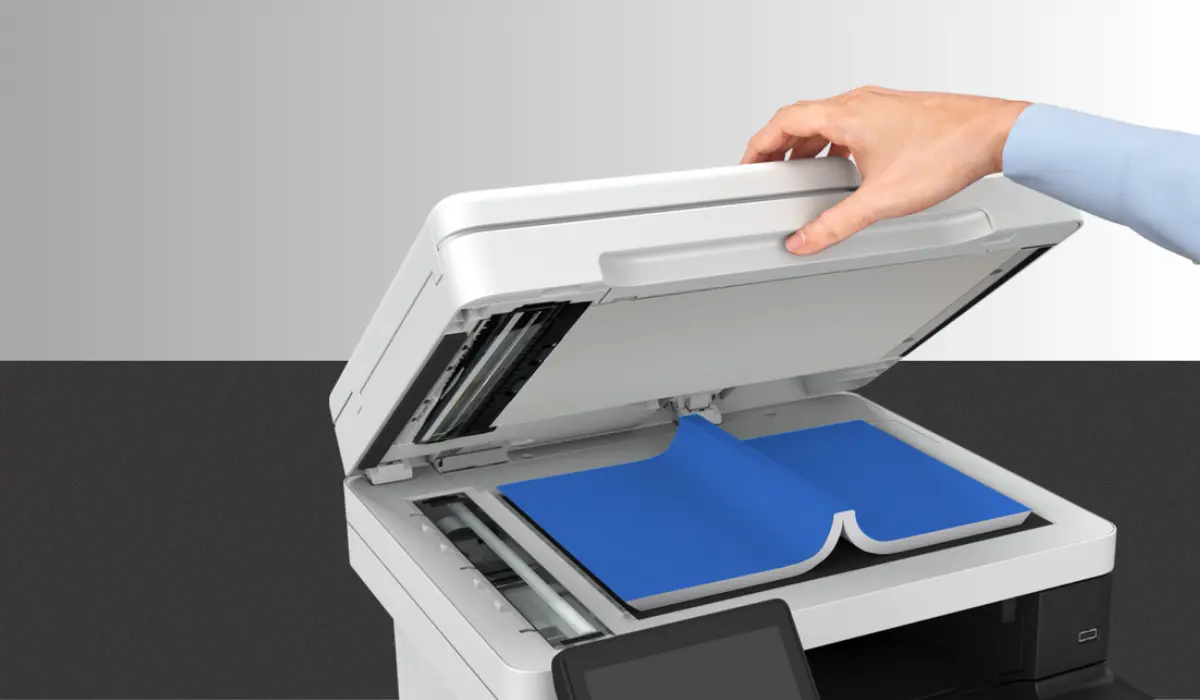
An all-in-one printer (multifunction printer) combines the functions of printing, scanning, and copying into one machine; an additional benefit of some models is that they can fax. However, the majority of home users may only require print, scan, and copy. The biggest benefit of multifunction printers is their ability to save space by requiring only one device rather than separate devices for each task. Furthermore, due to their cost efficiency, it is typically less expensive to purchase one multifunction device as opposed to multiple machines. For home use, these printers have been designed for ease of use, energy efficiency, and compatibility with laptops, desktops, tablets, and smartphones.
Key Features to Look for in a Home All in One Printer
Before making a purchase, it is important to know what features are most important to you for your home use. You do not need every single advanced feature ever created; however, certain advanced features will greatly enhance your working experience.
Print Quality and Resolution
When printing anything, especially for school (e.g., photos) or presentations, print quality is important. The printer should have a high DPI resolution and use reliable inks/toners to ensure sharp images and text, and bright colors.
Scanning and Copying Performance
A quality scanner should capture crisp, clear digitized images without losing quality and details. The ideal scanner for home use would be a flatbed scanner because they allow you to scan many types of documents, photos, documents, and identification cards. The copy speed of the scanner is also very important if you are someone who frequently creates duplicates.
Wireless Connectivity
Having a printer with wireless printing capabilities will allow you to print directly from your smartphone and/or laptop without having to connect any wires between the devices. Having Wi-Fi-enabled printers, mobile printing apps, and cloud printers will make day-to-day tasks faster and easier for families and people working remotely.
Ink or Toner Efficiency
Many people have an ongoing concern about how much it will cost them to own and operate their printer. Some printers use standard cartridges to provide ink, while there are others that do not. It could save money in the long run by purchasing a model that utilizes less ink when printing or a model with high-yield cartridges (i.e., ample amounts of ink per cartridge).
Inkjet vs Laser All in One Printers for Home
Inkjet printers are commonly used by many home users due to their inexpensive price point and ability to produce photographic prints of excellent quality. Inkjet printers are a better choice when there will be low to average print demand for the user. Laser printers typically have a much higher initial purchase price than inkjet printers, but have a much better cost per page in the long run, making them the best option for workplaces with a higher print demand. Therefore, for most households, a standard all-in-one inkjet printer will suffice; however, some individuals may need to purchase a laser printer for their home office due to the high print volume within that particular environment.
Benefits of Choosing the Right All in One Printer
Choosing the right all-in-one printer can make your life easier and help you get more done.
Saves Time and Space
You save time and space on your desk by using one small device to do many things.
Cost-Effective Solution
A single multifunction printer cuts down on maintenance and consumable costs by not having to keep separate devices.
Ideal for Remote Work and Study
Having a good printer and scanner at home is important for getting things done as more people work from home and learn online.
How to Choose the Best Option for Your Needs?
Different households will have varied requirements; therefore, it’s necessary to select the printer that best fits the way you intend to use it. If you print only occasionally, select a model based on cost and compact dimensions. If you print often, consider speed and durability as well as efficient use of ink. Families that have children may wish to look for a regular printer with wireless printing ability and a smart link to the mobile device. A home office environment may require high production rates and increased monthly usage. Obtaining information from both customer feedback and warranty services will increase the probability of being satisfied with the product over a long period of time
Maintenance Tips for Long-Lasting Performance
Properly maintaining your printer is the best way to ensure it continues to function optimally. A few things you can do to aid in the smooth operation of your printer include cleaning the scanning glass regularly, only using original or recommended inks, updating your printer drivers to prevent printer error messages, and printing test pages periodically to keep the printer’s ink from drying out. Performing these minimum maintenance measures will enable you to extend your printer’s longevity and produce higher-quality prints.
Conclusion
Finding the right multifunction printer for your home does not have to be complicated. By focusing on essential features like print quality, scanning performance, wireless connectivity, and running costs, you can make a smart and practical choice. The best all in one printer scanner for home use is one that fits your daily needs, your available space, and your budget, while delivering reliable performance over time.
Whether you are printing homework, scanning important documents, or copying household paperwork, the right all-in-one printer can make everyday tasks easier and more efficient. Investing in a well-chosen printer today means enjoying convenience, productivity, and peace of mind for years to come.